SchoolGPT vs Brisk Teaching: Complete Comparison for Teachers (2026)

Dr. Michelle Rodriguez
Education Technology Specialist & Former Curriculum Director
Brisk Teaching lives inside your Google Workspace as a Chrome extension. SchoolGPT is a standalone platform built for browser-based teacher workflows. Compare both approaches.
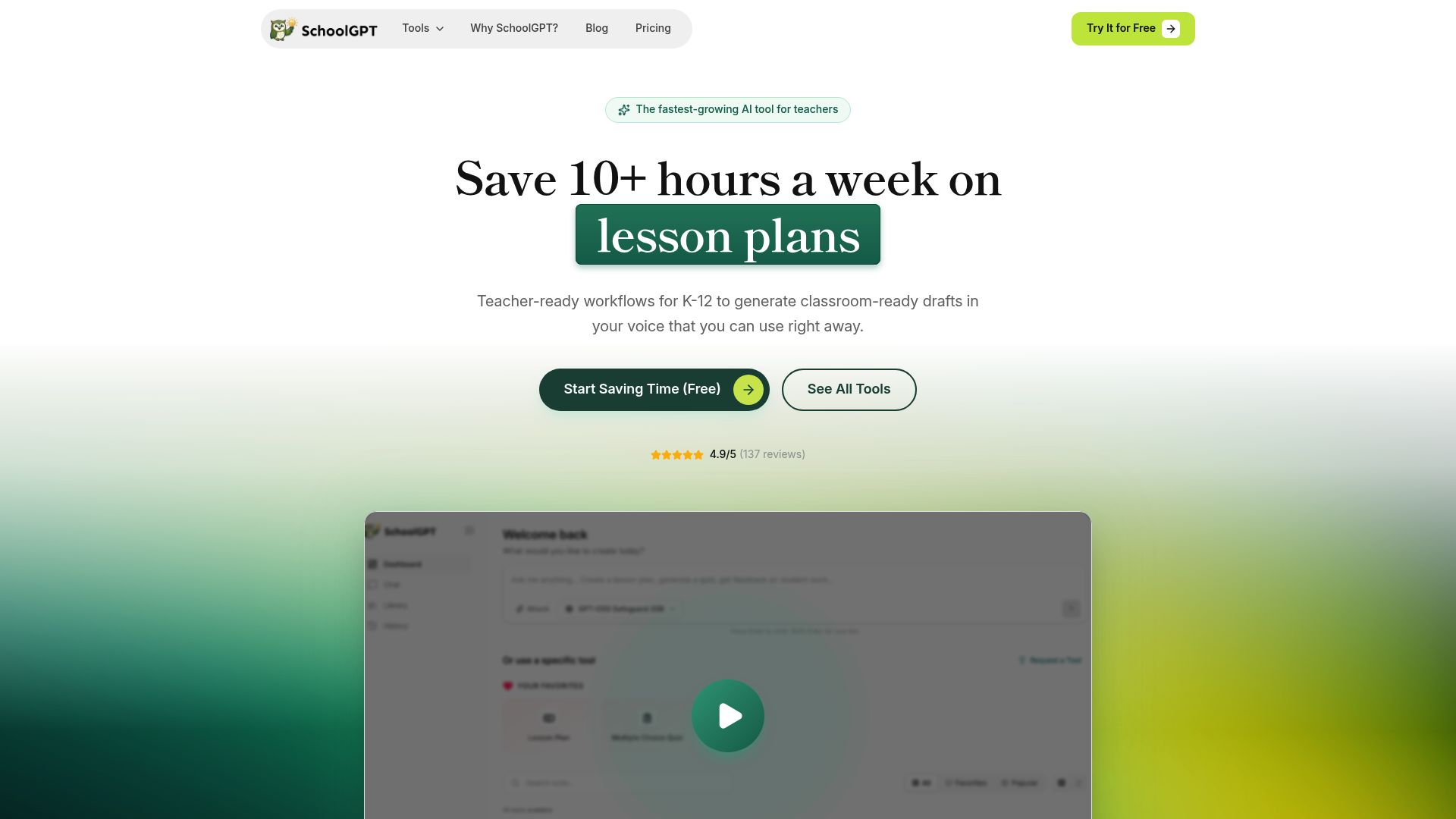
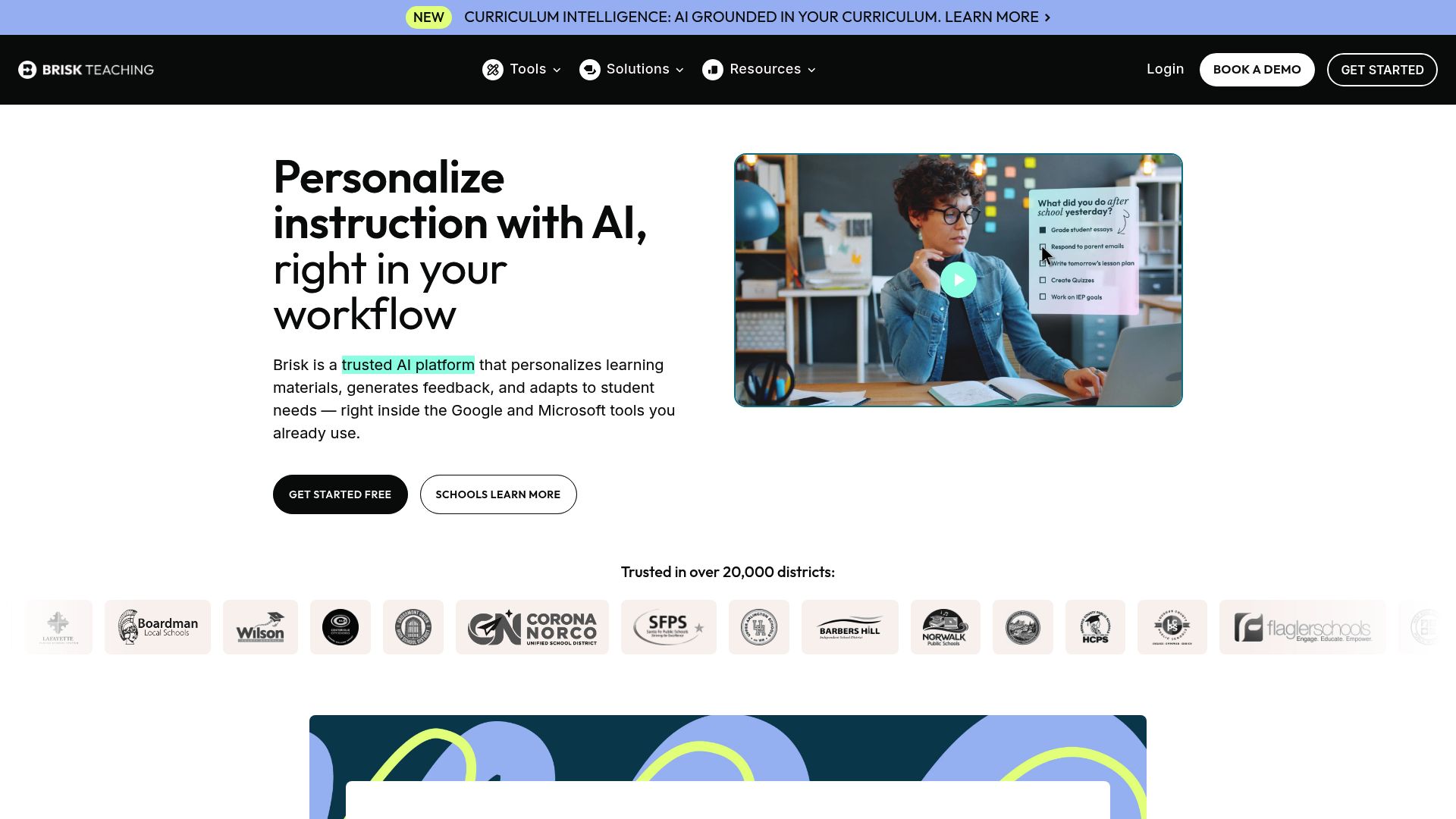
Pricing fit vs Brisk Teaching
SchoolGPT is priced for individual teachers and keeps the workflow focused on classroom drafting.
Ready-to-use templates
Pre-built tools for lesson plans, quizzes, rubrics, feedback, emails, and more-no prompting required.
Classroom workflow fit
Built for teacher-facing workflows like planning, feedback, rubrics, and family communication.
SchoolGPT: The balanced view
We believe in transparency. Here's what we do well and where Brisk Teaching might be better.
SchoolGPT strengths
- Standalone workspace with no extension required
- Works on any browser and device, not just Chrome
- No extension dependency or IT approval for installation
- Dedicated interface optimized for content creation
Consider Brisk Teaching if you need
- Brisk integrates directly into Google Docs, Slides, and YouTube
- Brisk's workflow is more seamless for Google Workspace users
- Brisk can modify documents in-place without copy-pasting
- Brisk works where teachers already are, reducing context switching
Why teachers switch to SchoolGPT
Transparent individual pricing
SchoolGPT publishes individual annual pricing. Brisk lists an educator free plan and custom pricing for school and district paid plans.
No extension dependency
Brisk requires a Chrome extension, which means Chrome-only, potential IT approval hurdles, and dependency on Google Workspace. SchoolGPT works on any browser, any device, with no installation required.
More tools and templates
SchoolGPT offers 60+ templates for every teaching task. Brisk's feature set is smaller, focused primarily on document and presentation workflows within Google Workspace.
Brisk wins on Google integration
If you do everything in Google Docs and Slides, Brisk's in-document AI is genuinely better. You can highlight text and get AI suggestions without leaving your document-something SchoolGPT can't match.
Platform independence
SchoolGPT works on Safari, Firefox, Edge, and mobile browsers. Brisk is Chrome-only. If your school uses iPads or non-Chrome devices, SchoolGPT is the more flexible choice.
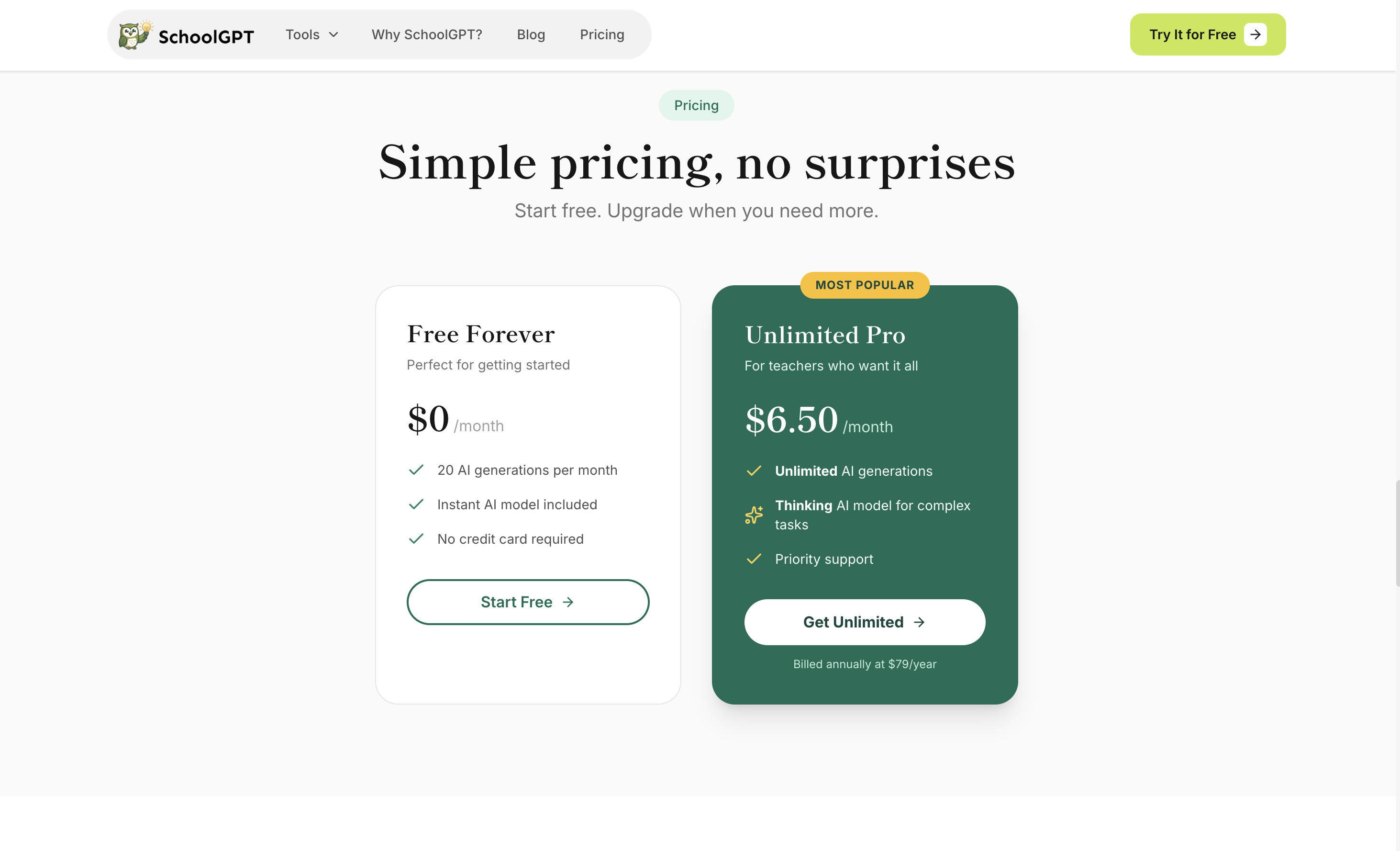
Pricing Comparison

SchoolGPT
Billed annually ($79/year)
The Full Story
Brisk Teaching takes a unique approach by embedding AI directly into Google Docs, Slides, YouTube, and LMS workflows as a Chrome or Edge extension. This means teachers can access AI without leaving their workflow. However, this tight integration also means dependency on supported browsers and connected tools. SchoolGPT is a standalone platform that works in any modern browser with guided tools for planning, grading support, rubrics, and communication. If you live in Google Workspace and want extension-based AI, Brisk is compelling. If you want a standalone teacher workspace, SchoolGPT is the cleaner fit.
Feature-by-Feature Comparison
| Feature | SchoolGPT | Brisk Teaching |
|---|---|---|
Public Paid Pricing Published paid pricing for individual or school plans | $79/yr | Custom |
Google Docs Integration Working inside Google Docs | Export | Native (in-doc) |
Teacher Templates Pre-built tools for common tasks | 60+ | 20+ |
Browser Requirement Browser compatibility | Any modern browser | Chrome or Edge extension |
YouTube Integration AI tools on YouTube videos | ||
Rubric Generation Create grading rubrics | ||
Lesson Planning Generate lesson plans | ||
Parent Communication Draft professional emails | Limited | |
Mobile Support Phone and tablet experience | Full | Limited |
Feedback on Student Work AI-powered student feedback |
How Brisk Teaching compares to other AI teaching tools
Looking for alternatives? Here's how Brisk Teaching stacks up against other popular AI tools for teachers, including SchoolGPT.
| Tool | Price | AI Tools | Best For | Compare |
|---|---|---|---|---|
B Brisk Teaching | Free educator plan, custom paid plans | Varies | This page | Current |
SchoolGPT | $6.50/mo | 20+ | Individual teachers | Try Free |
C ChatGPT | $20/mo | Varies | AI assistance | Compare |
M MagicSchool.ai | $8.33/mo annual or $12.99/mo monthly | Varies | AI assistance | Compare |
E Eduaide.ai | $5.99/mo | Varies | AI assistance | Compare |
View all comparisons to find the best AI teaching tool for your needs.
What Teachers Use SchoolGPT For
A tool for every challenge
Browse our most popular AI-powered tools designed for educators.

Text Dependent Questions
Generate text-dependent questions based on any text.

Vocabulary List Generator
Generate a list of vocabulary words based on a subject, topic, or text.

Syllabus Generator
Create professional course syllabi with policies, expectations, and schedules.

One-Pager Generator
Create visual one-pager templates for student summaries and reflections.

Worksheet Generator
Generate a worksheet based on any topic or text.

Text Leveler
Level any text to adapt it to fit a student's reading level / skills.

Weekly Planner
Plan your entire teaching week with daily objectives and activities.

Writing Feedback
Generate feedback on student writing based on custom criteria or a rubric.
Looking for something specific? Request a custom tool and we'll build it for you.
Independent & Private Teaching Platform
Your Data, Your Control
SchoolGPT is designed with teacher privacy and school fit in mind from day one.
- No browser extension needed-no additional permissions or access to your browsing data
- Your content is never used to train AI models
- No student data is collected or processed
- Works independently of any ecosystem-no Google Workspace requirement
- Simple, direct account management with full data deletion on request
Frequently Asked Questions
Common questions about switching from Brisk Teaching to SchoolGPT
The Verdict
Brisk Teaching is ideal for teachers deeply embedded in Google Workspace who want AI without leaving their documents. SchoolGPT is better for teachers who want a standalone workspace and platform independence. If you mostly use supported browser extensions, Brisk's integration is genuinely convenient. If you want browser-based teacher workflows without an extension, SchoolGPT is a better fit.